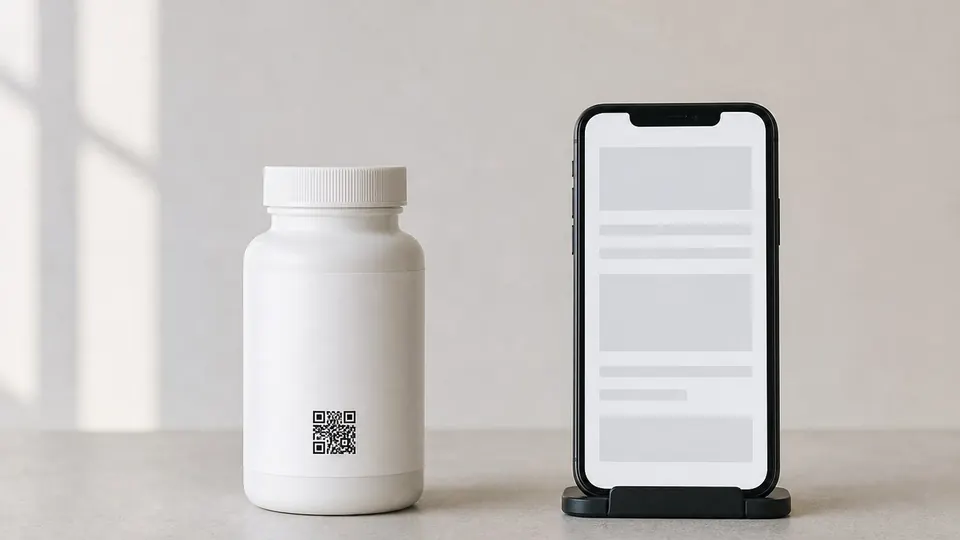
Verifying a product without an app means scanning its QR code with the phone camera and seeing the result on the brand's web page. The first screen should show three things: the product name and batch, the status of the number in the record, and what to do if that status is not good. A bare "genuine" message is not enough, because a copied number also exists in the record on its first scan.
How does app-free verification work?
The QR code holds a web address. The GS1 Digital Link standard defines how that address carries a product number and a serial number: in https://example.com/01/09524000059109/21/1234, 01 marks the GTIN and 21 the serial number. According to GS1's quick start guide, such a code opens like any other link with no specialised software, while a point-of-sale scanner reads the same code as a product number.
The guide adds that the address in the code should not be the address of a web page. Requests should pass through a redirection layer, so the destination can change after the code has been printed. That layer can also take the phone's language into account. The guide recommends a dedicated subdomain of the brand's domain for these addresses.
Web page or mobile app?
Both can query the record in the same way. The differences lie in how the scan starts and what becomes possible afterwards.
| Criterion | Camera and web page | Mobile app |
|---|---|---|
| First scan | Camera opens, page loads | App has to be installed first |
| One-time buyer | Good fit | People may drop out at the install step |
| Dealers and field teams scanning often | Every scan goes through the browser | Better fit; bulk scanning and user identity can be added |
| Location | Needs browser permission | Needs app permission |
| Reaching the user later | Limited | Better suited to things like recall notifications |
| Impersonation risk | User has to check the address | User has to install from the official store |
The choice usually comes down to who is scanning. A consumer who buys the product once a year and a dealer scanning shipments every day need different flows. One code can keep both routes open: the camera goes to the web page, and an app reads the same code on its own screen. Browsers open the camera from inside a web page only on HTTPS and with the user's permission.
The FBI's public warning on QR code fraud also matters here. It advises people to install apps from the phone's app store rather than from a QR code. If you use an app, the code should lead to the official store listing, not directly to an installer.
Which states should the result screen separate?
Splitting every scan into "valid" and "invalid" misleads the consumer. The record should be able to distinguish at least four states.
| State in the record | What the screen should say | What the consumer does |
|---|---|---|
| Number registered, first scan | Product name, batch, expiry date; that this is the first scan | Nothing needed |
| Number registered, scanned before | How many times, when and in which city it was last scanned | If that scan was not theirs, tell the point of sale and the brand |
| Number not in the record | That it was not found, and that a misread is possible | Check the number, note where it was bought, contact the brand |
| Batch recalled | That the product is covered, to stop using it, how to return it | Follow the steps in the notice |
Wording matters most in the second state. A previous scan does not prove a product is fake, since the same buyer may have scanned it earlier. The screen should report the number's history, not pass judgement on the product. We explain how a copied code shows up in the record in the article on verification by serial number.
What mistakes should the result screen avoid?
- Hiding the result behind a form. Asking for a phone number or email makes people abandon the scan. Show the result first and keep contact details optional.
- Collecting personal data without notice. If you collect location or contact details, privacy law applies. In Türkiye, Article 10 of Law No. 6698 requires telling people who the controller is, why the data is processed and to whom it may be transferred.
- Making location permission a condition. A user who declines should still see the result. Location strengthens copy detection, but it should not be a precondition for verification.
- Using a random short link. The FBI warning recommends checking the address that opens. An address on the brand's own domain makes that check possible.
- Burying the result under a campaign. The status belongs at the top of the first screen, readable at a glance.
- Forgetting people who cannot scan. Letting users type the printed number helps when the code is worn.
- Leaving no way to get in touch. Someone who sees a bad result and does not know what to do next gets little from the record.
What can app-free verification not do?
The method makes scanning easier but does not stop copying.
- A QR code is a print. It can be photographed and printed on another pack, and a copied number looks genuine on the first scan.
- A batch-level code is shared by thousands of products, so repeat scans produce no meaningful signal. Consumer verification therefore needs unit-level numbering.
- If labels are not scanned as they leave the line, the record also holds numbers that were never attached to a product.
- As the FBI warning notes, a fake code can be stuck over the real one, sending the consumer to the copier's page instead of the brand's. Keeping the domain visible on screen reduces this risk but does not remove it.
The result only tells you about the scanned number. It does not prove what is inside the pack.
How does end-user verification work with Tagvex?
In Tagvex, end users verify the product by its code in the mobile app. The app can be published under your brand's name and look, or scanning can be added to your existing app with the SDK. Verifications are stored with date, location and result; genuine, inconclusive and unknown scans are tracked separately, and a code scanned in an unexpected place is flagged in the record. The screen principles above also apply to a result screen inside an app.